
-
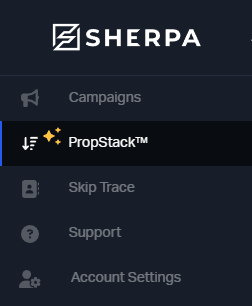
Navigate over to the PropStack™ tab of your account
-
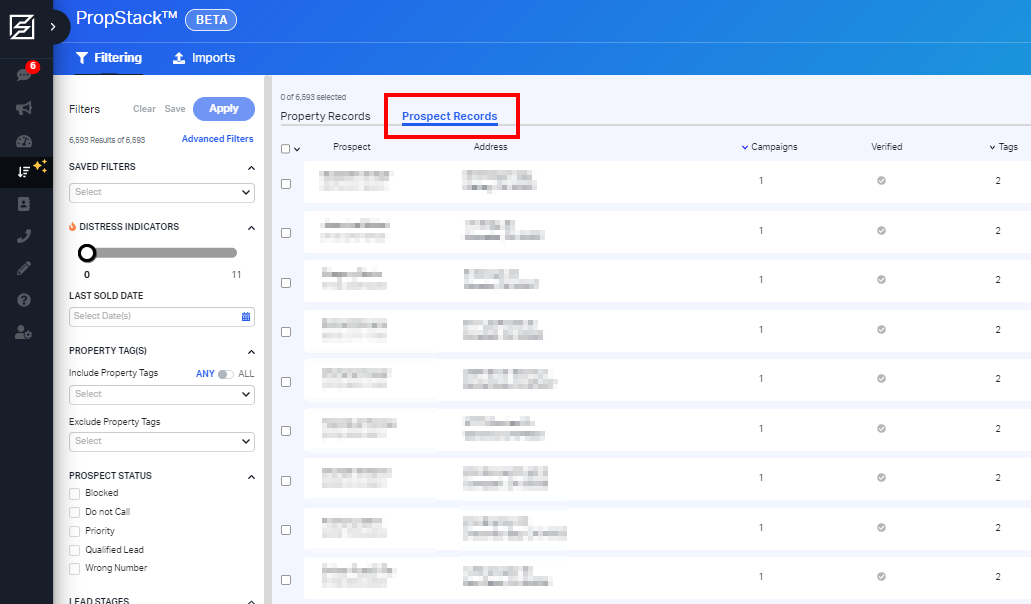
Locate the Prospect Records tab within your PropStack™
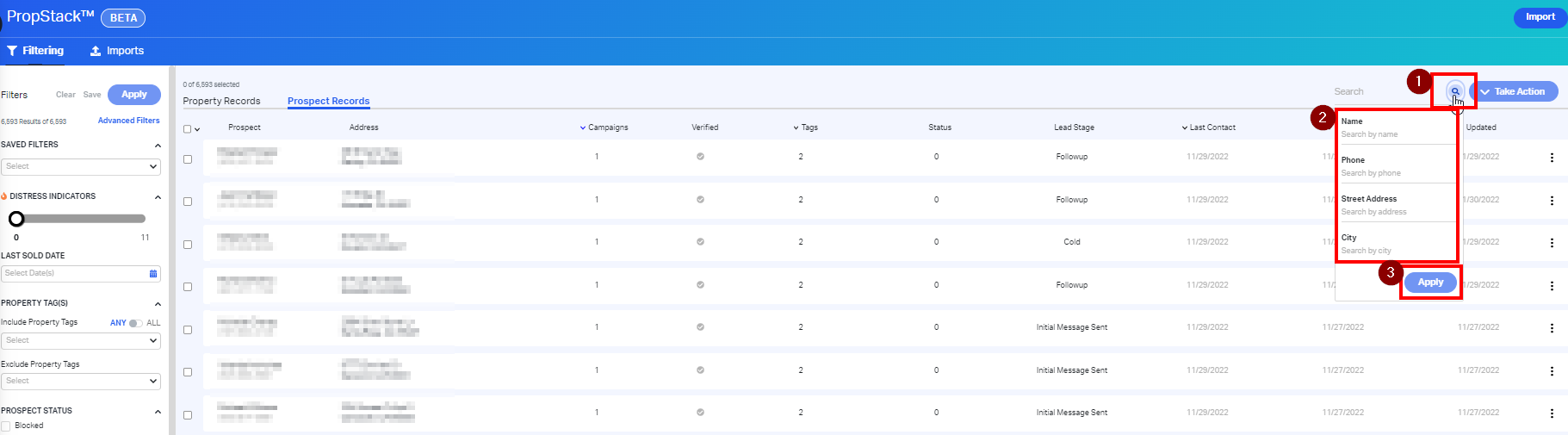
- To search for a single prospect, navigate over to the search bar and type in the associated name, number, street address, or city.
-
Review your selected inputs and click Apply
Comments
Article is closed for comments.